We have been working hard to improve the browsing experience and have implemented the following features / UI changes to enhance your experience when browising images.
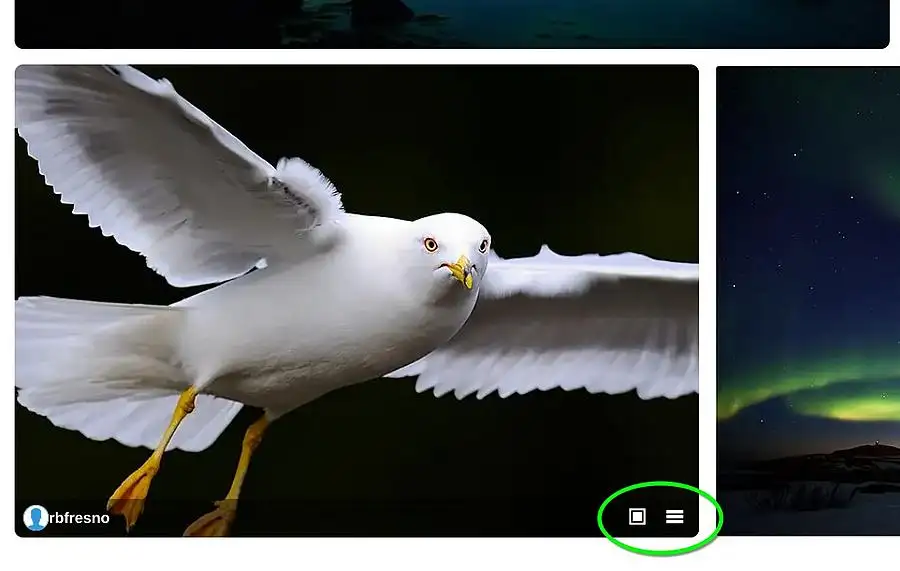
As you browse through the pages now and view all the thumbnails, when you hover over a thumbnail, it will zoom in a little to bring focus to it. You will also see a new status bar pop up at the bottom of the thumbnails.
If you are not logged in you will see this status bar which has the icons to view the photo on the photo page and view the popup info.
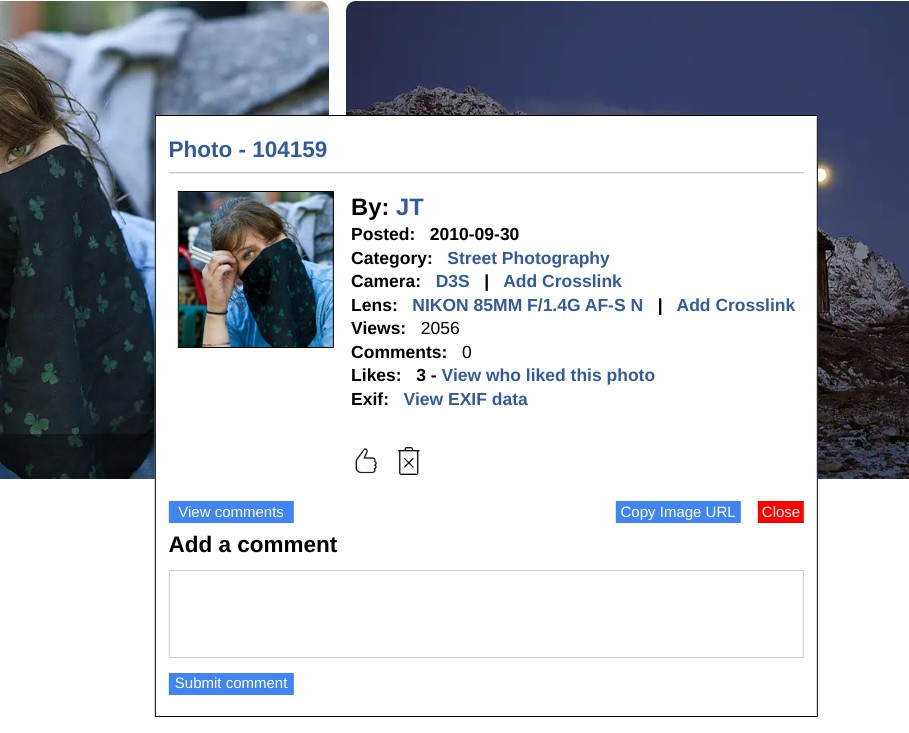
Clicking on the hamburger menu will bring up the popup info box. For example ..
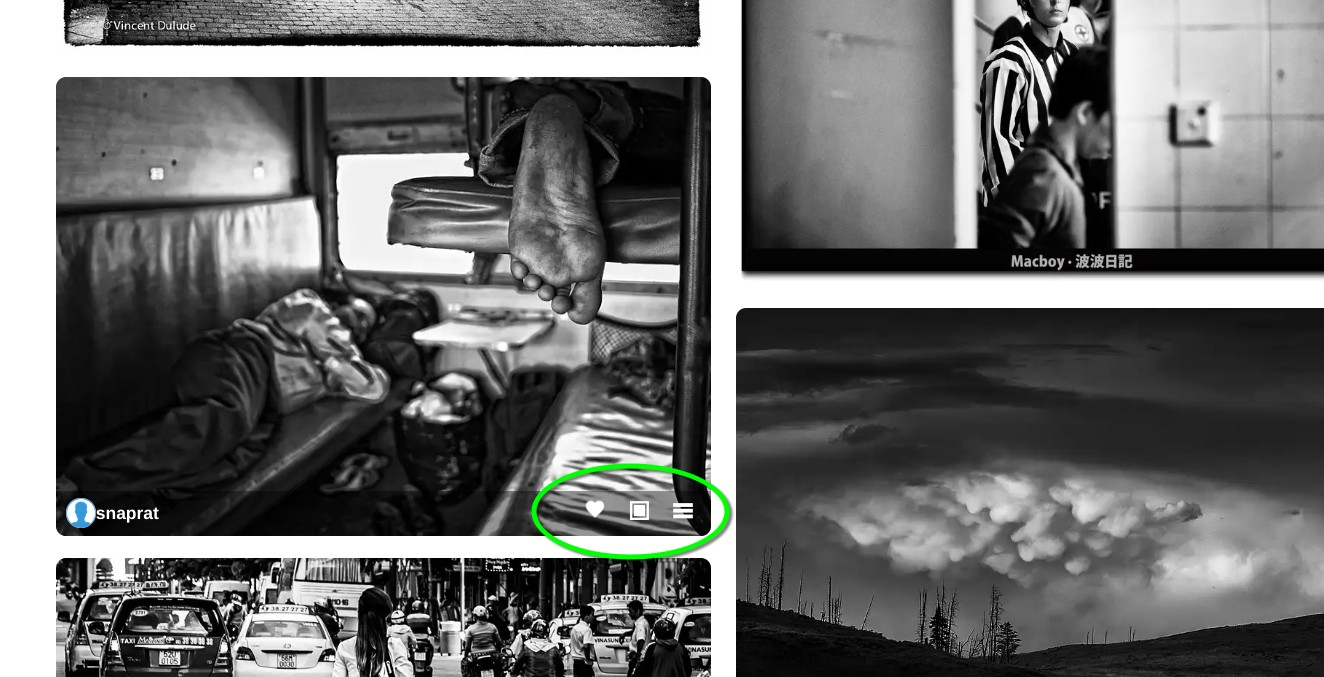
If you are logged in, you will see the like option as well. A solid heart means you have already liked the photo. An outlined heart means you have not liked the photo yet.
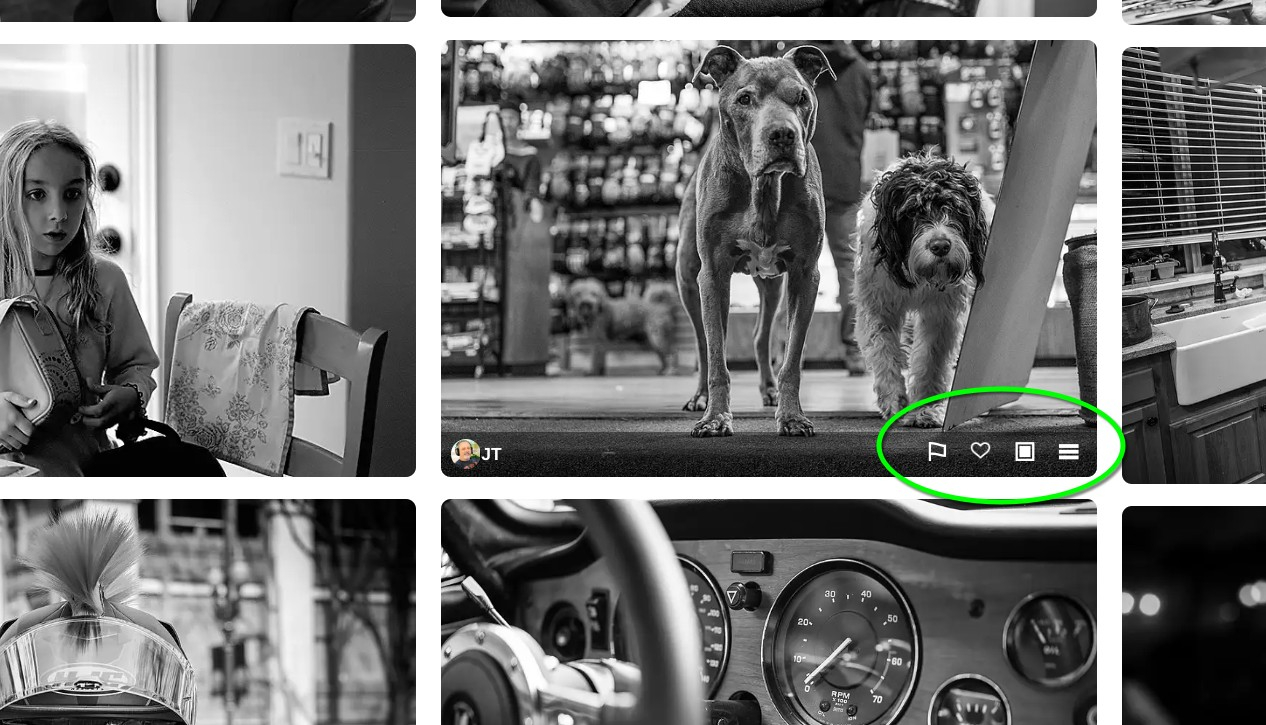
If you are logged in and it is your own photo, you can use the flag option for bulk delete.
Clicking the flag option will turn it solid and add the photo to a delete queue for deleting in batch. You can always delete a photo immediately from the popup box.
Click a solid flag to remove the photo from the queue.
Lastly, some pages have changed to display thumbails in a column format for more consistent size presentation. In particular the gallery pages.
Please let me know if you run into any issues so I can address them.