Password reset
Cancel
Sign up for free
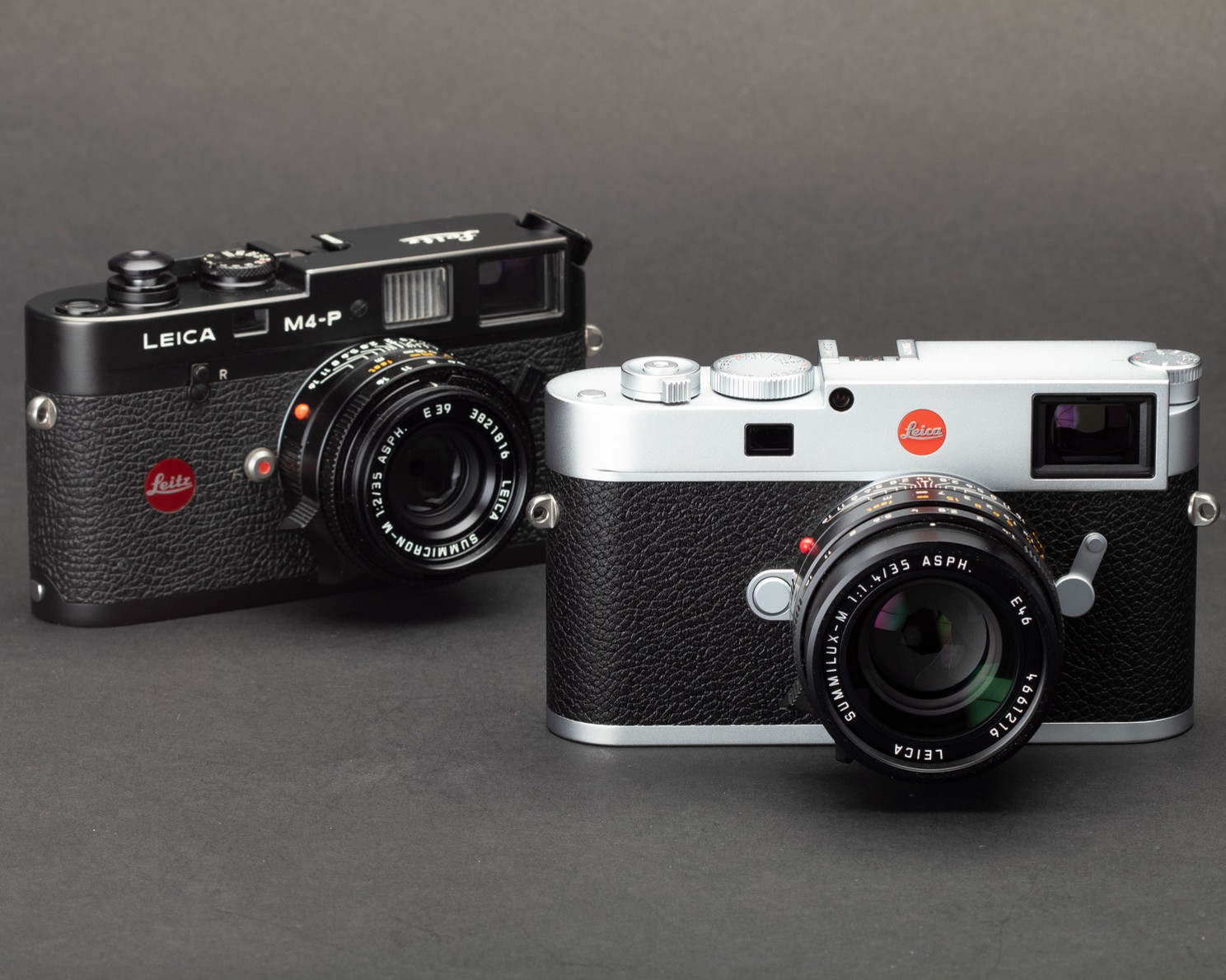
The "rangefinder experience" is about more than just a camera type. It’s a way of seeing. Whether you’re a classic M-mount purist, a Fujifilm X-series enthusiast, or a Leica Q devotee, there is a specific rhythm to the way we shoot. To celebrate that, I’ve launched PureRangefinder.com.
Why join Pure Rangefinder? We’ve built a dedicated space that cuts through the noise of traditional photography sites:
Focused Image Hosting: A clean, minimalist gallery to showcase your work without the heavy compression of social media.
The Message Board: We aren't a forum (the world has enough of those!). We’ve traded cluttered threads for a streamlined message board for quick updates and community connection.
Reviews & Stories: Deep dives into the gear and the craft, from vintage glass to the latest digital hybrids.
This is a space for the tactile, the discrete, and the intentional. If you believe the best view of the world is through a corner viewfinder, come help us build this new community.