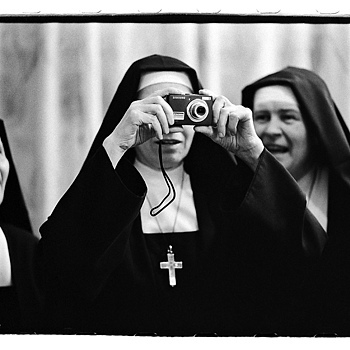
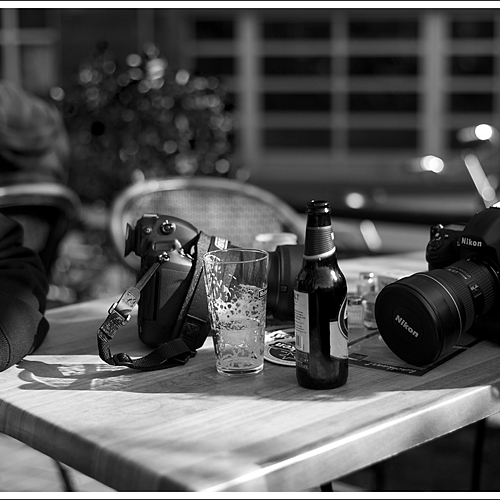
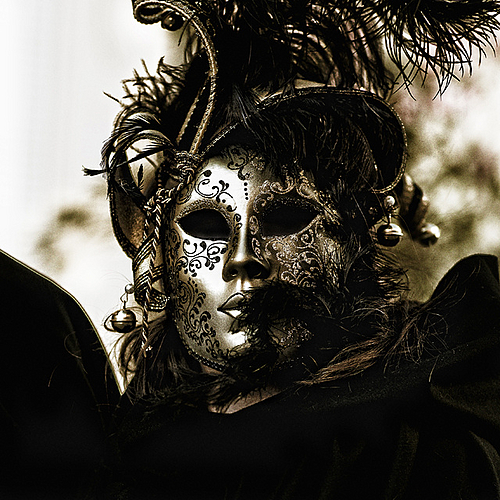
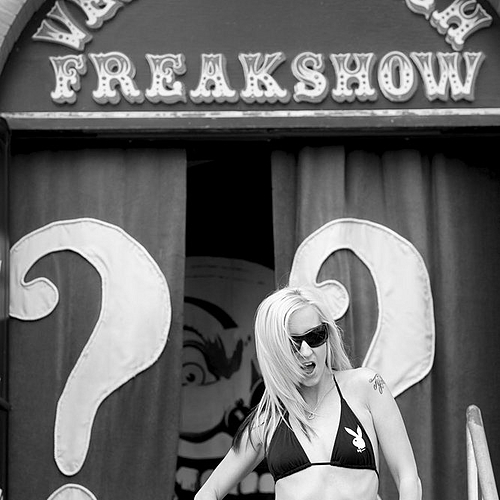
Great moment captured. Love the B&W. If this was digital, how did you convert to B&W? By the way, if you click on the edit icon next to the title "EXIF Data" you can enter the information about the shot.
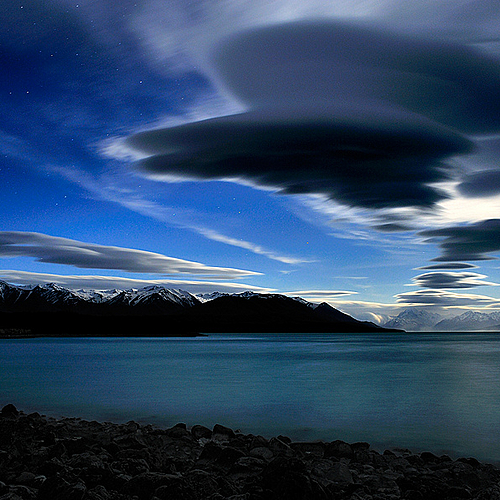
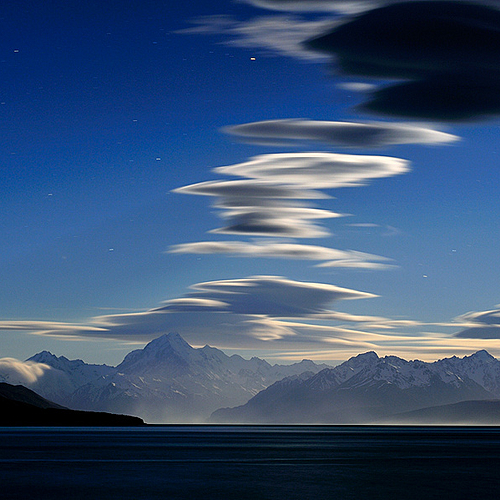
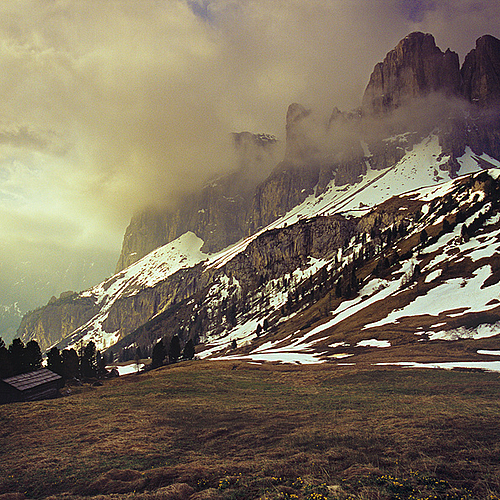
Thank you all for your kind comments. It was one of the most memorable photographic nights I have had. Scarily strong wind, dust storms and the weird lenticular clouds shooting across the sky under moonlight was unforgettable.
Updating the lens data is quite easy.
Log in and View your photo in the gallery. On the top of the photo is the Edit Option window. If it is not visible click the up and down arrows to show it. Inside that widow, select the lens from the list then click apply. Thats it
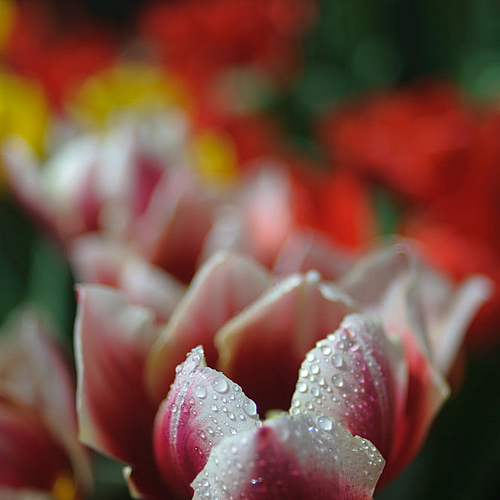
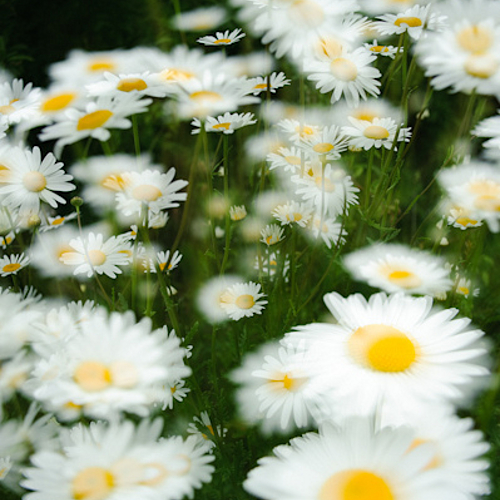
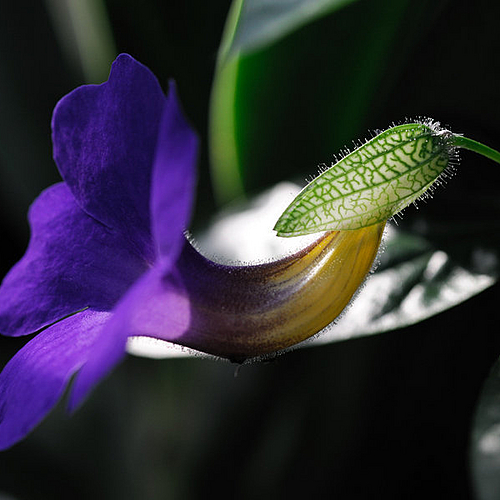
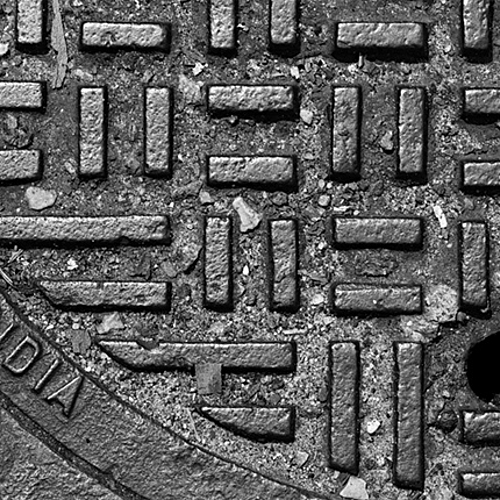
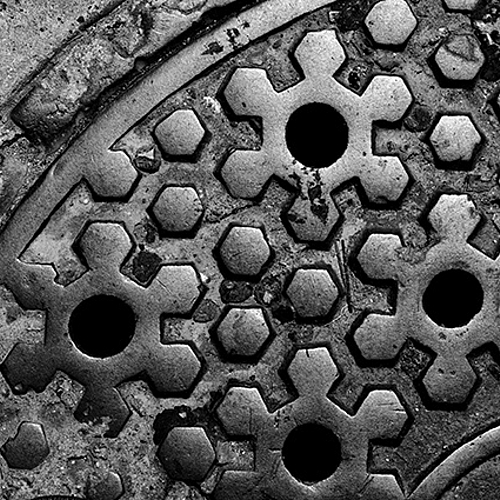
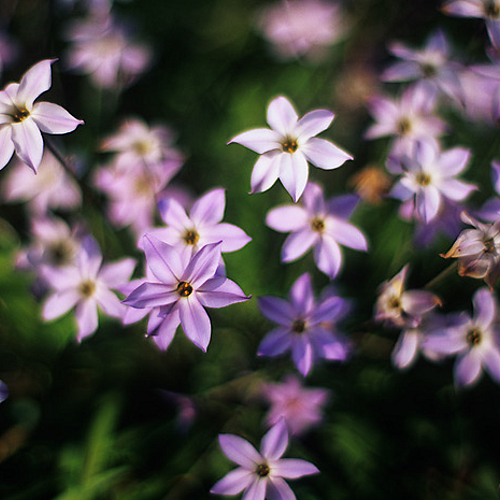
Incredible macro work. Was it the 50 or 100? The Exif data is conflicting. In either case, I have the 100 and this has inspired me to go out and shoot it today!
I use Photoshop CS4 to process all my photos.
I have many techniques for turning a photo into b&w, but for this one I used a very simple one: I started with a basic channel mixer b&w conversion and I dodged and burned all the details. Sometimes I abuse these tools (dodge and burn) and I think these are by far my favorites in Photoshop.
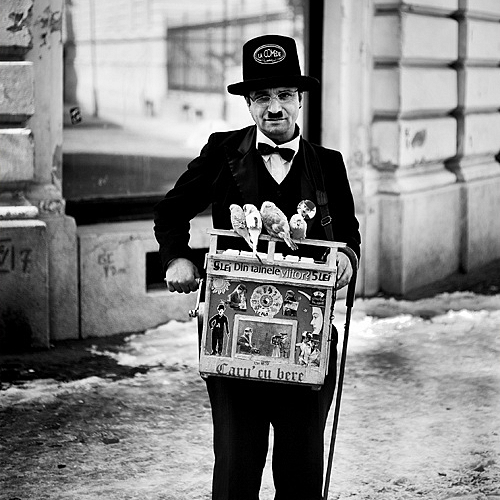
Taken with a Zeiss Ikon Ikonta 520 produced in 1934.
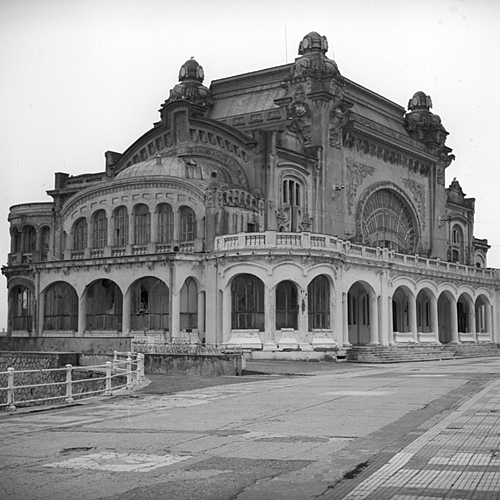
Constanta Casino (built 1912), Romania.
Lens: Novar 3.5/7 cm
Film: BW Ilford ISO 50 / 120 film format
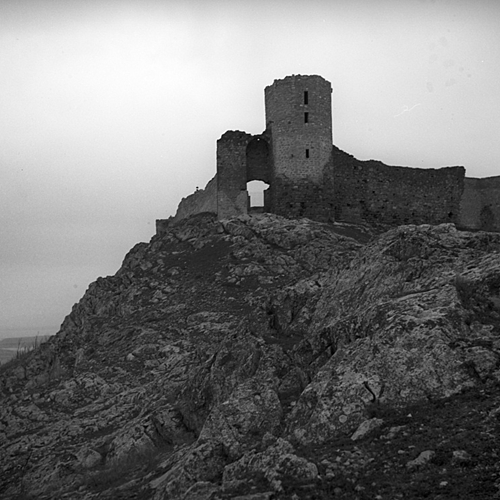
Taken with a Zeiss Ikon Ikonta 520 produced in 1934.
The citadel was built in the XIIIth century and is located in Dobrogea, Romania.
Lens: Novar 3.5/7 cm
Film: BW Ilford ISO 50 / 120 film format
I've had the issue with film scans also. Just strip the metadata from the image and then edit as needed. There are several freeware exif editors available on the interwebz.